TrademarkAura is trademark research software. You search a name against registered and pending trademarks, save the marks you own, and watch the register for new filings that look close to them. When you want an attorney, you ask CorAura for legal help without leaving the app.
What is in the app
The left navigation has two groups: Software and Legal services. Team and Account sit below them.
| Screen | What it is for |
|---|---|
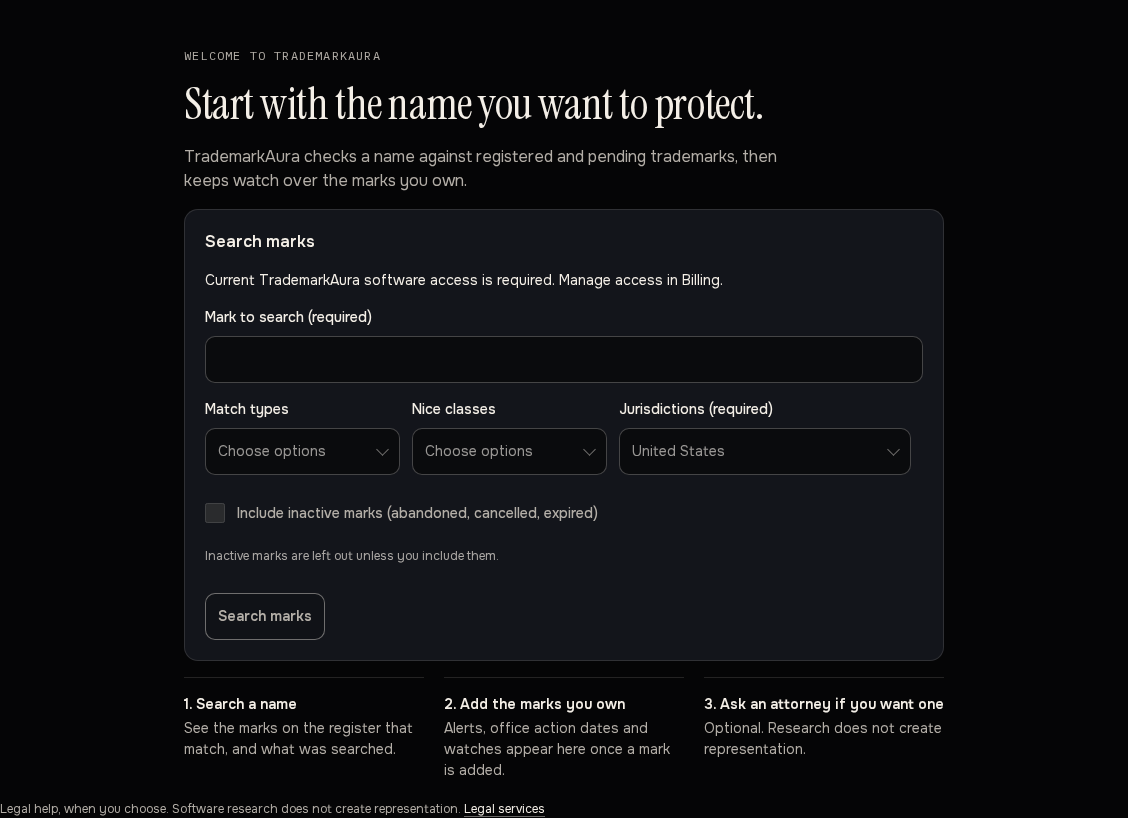
| Overview | Start a search and see the three steps: search a name, add the marks you own, ask an attorney if you want one. |
| Research | Search marks. Screening a mark and scanning a listing are coming soon. |
| Portfolio | Save the marks you own or plan to file. |
| Monitoring | Watch a saved mark and read the alerts. |
| Evidence and wording | Build a conflict packet and refine goods or services wording. |
| Work products | Read retained work and export it for your own counsel. |
| Requests and engagement | Ask CorAura attorneys for legal help and follow your request. |
| Matters | Follow legal work an attorney has accepted. |
| Messages and documents | Read notices from your attorney and reply. |
3553c0f.Note
Software research is preliminary. It is not legal clearance or an attorney opinion, and it does not create legal representation. Legal help starts only when you send a request and the attorney accepts your matter. See Request legal services.
Who sees what
Owners and Admins see every screen. A Member sees the screens an Owner or Admin has turned on for them. See Roles: Owner, Admin and Member.