Coming soon
This feature is not available yet. This page describes what is planned, not steps you can follow today.
Coming soon
This feature is not available yet. This page describes what is planned, not steps you can follow today.
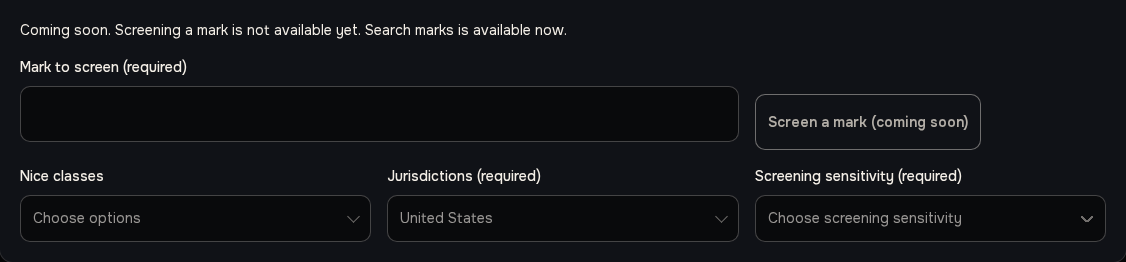
Screening a mark and scanning a product listing are not available yet. You see both on the Research screen marked coming soon, and their forms are turned off.
3553c0f.What you can use today
Use Search marks to look a name up on the register. See Search marks.
What you see now
- Screen a mark (coming soon) and Scan a product listing (coming soon) appear beside Search marks.
- Choosing one shows a notice that it is not available yet, and a form you cannot submit.
Nothing on these screens starts work, uses your allowance or produces a result. This page will describe the steps when the methods are available.